

Install
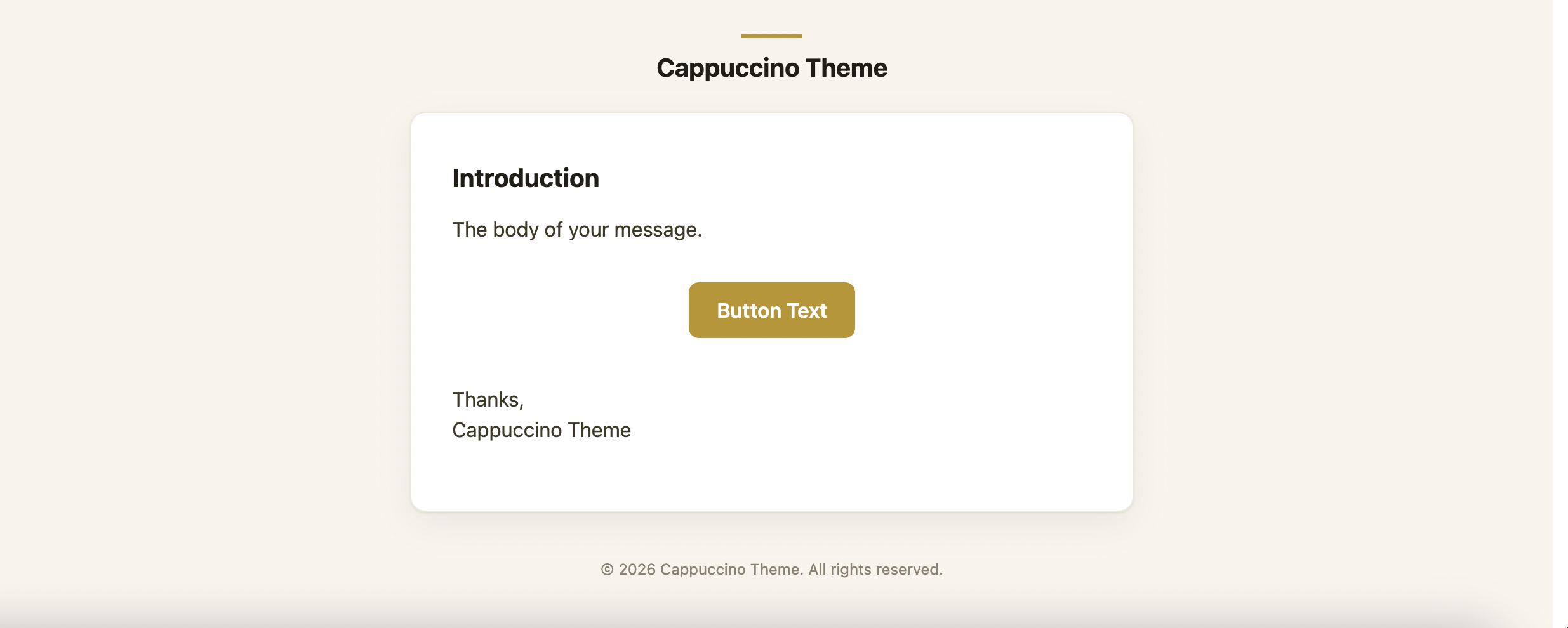
resources/views/vendor/mail/. The installer reads shade 600 from the plugin’s primary palette — from primaryColor() if you’ve set one, otherwise the default gold.
Command options
string
Filament panel ID to read the primary color from. Required when more than one Cappuccino-themed panel exists in the app.
string
A hex color to bake into the CSS directly, skipping panel detection entirely. For example:
--primary=#b5963a.boolean
Overwrite mail views that were published earlier.
Apply the theme
Set it globally inconfig/mail.php:
config/mail.php
Branding
Default logos come from environment variables:.env
brand replaces config('app.name') in the header label, footer copyright, document title, and logo alt text. brandUrl replaces config('app.url') as the header link.
Clients and dark mode
Apple Mail, iOS Mail, and Outlook.com respectprefers-color-scheme and can show the dark variant — including CAPPUCCINO_MAIL_LOGO_DARK, when provided.
Gmail and Outlook desktop often recolor messages on their own. The light layout — cream outer background, white content card — is the reliable baseline for those clients.